
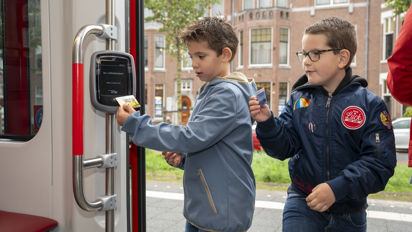
Always have enough balance with automatic top-ups
Automatic Recharge for Public Transportation
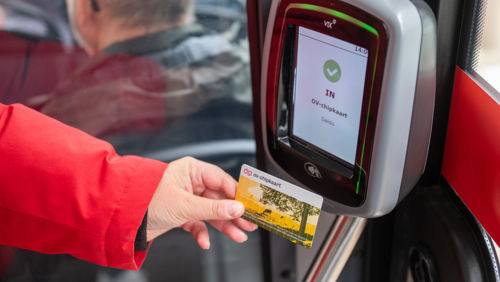
Do you ever find yourself at the bus stop with too little credit on your OV-chipcard? With automatic reloading, that won’t happen anymore. As soon as your balance falls below a certain amount, new credit is automatically added. You can set this amount yourself. That way, you can always check in and won’t have to stop at a reload machine anymore.
What is automatic reloading?
Automatic reloading means that funds are automatically added to your OV-chipkaart when your balance is too low to check in. This is done directly from your bank account, after you’ve given your permission. As soon as your balance drops below €4, the selected amount is automatically added. There are no additional fees associated with automatic reloading.
You decide how much to add. There are three fixed amounts:
• €10
• €20
• €50
How do you set up automatic reloading?
You can set up automatic reloading on the ov-chipkaart.nl website. To do this, you'll need a personal OV-chipkaart registered in your name.
- Go to ov-chipkaart.nl
- Log in with your OV-chipkaart account
- Select the amount you want to have automatically reloaded
- Confirm the authorization with iDIN through your bank
After setting this up, you’ll need to activate the change at an HTM service point or an NS ticket machine.
How can you stop automatic reloading?
Would you like to turn off automatic reloading? You can do so the same way you set it up.
1. Log in to ov-chipkaart.nl
2. Go to “Automatic Top-Up”
3. Click “Cancel”
4. Confirm the change
Just like when setting it up, you’ll need to confirm the cancellation at a ticket machine. After that, no more credit will be added to your OV-chipkaart.
Frequently Asked Questions
Ready to use automatic reloading?
Always travel with enough balance on your card, without a worry. Set up automatic reloads in just a few minutes.